Verificando tu acceso
Estamos completando tu ingreso de forma segura. Solo va a tomar un momento.
Acceso seguro a tu espacio de trabajo
Estamos completando tu ingreso de forma segura. Solo va a tomar un momento.
Acceso seguro a tu espacio de trabajo

From calendar to final delivery · RushTrack 2.02
A guide to the complete operation: calendar, Post Facility, teams, costs, Editorial Desk, VFX, ADR, Color and Delivery.
When the plan changes, you need to know what it affects, who should act and which information is current.
Calendar, milestones and versions
People, resources and costs
Reviews, responsibilities and deliveries
Start with a sample project. You don’t need to complete every module: add each area as your operation needs it.
In Projects, create the production you will work on. A project brings together its calendar, team and tracking modules. Before entering information, define the essentials: which production you are organizing, how many episodes it has and its main commitments. These details guide the planning that follows. If you are new to RushTrack, start with an example project. The initial goal is not to fill every field: it is to understand how decisions relate to each other.
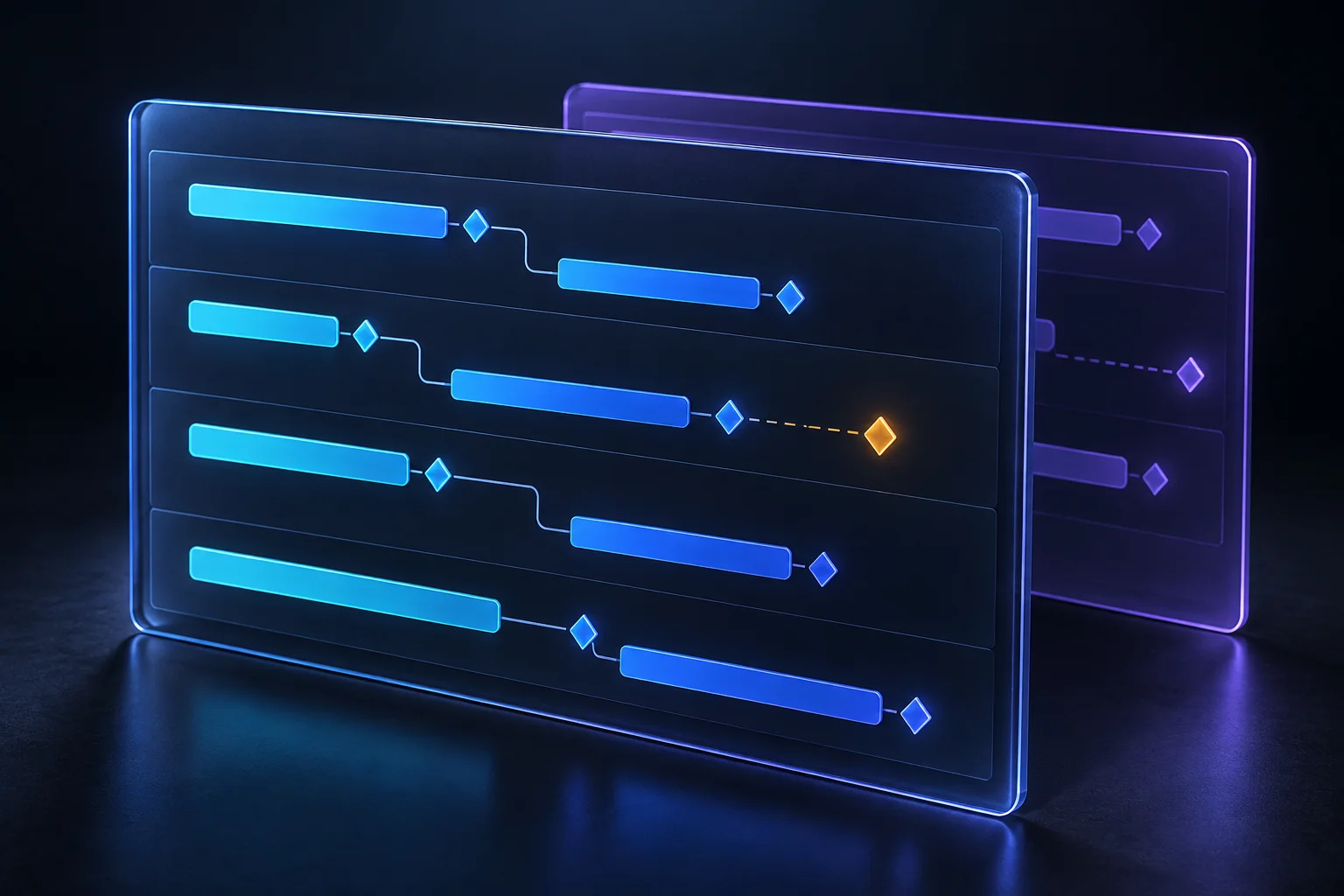
The calendar is a central part of RushTrack. It does more than generate dates: it helps you review and follow the plan throughout production. In Calendar → Generation, build a proposal with the assistant or configure its parameters manually. Review episodes, reference dates, working days and delivery cadence. A generated proposal always needs the team's judgment before becoming the working plan. In Operations, choose the view that best answers your question. A table helps compare milestones across episodes; a Gantt chart or timeline helps reveal sequences and overlaps. Work continues when changes arise. Review dates, follow milestones and distinguish delivered work from pending or rescheduled work. Versions preserve alternatives without losing the previous reference.
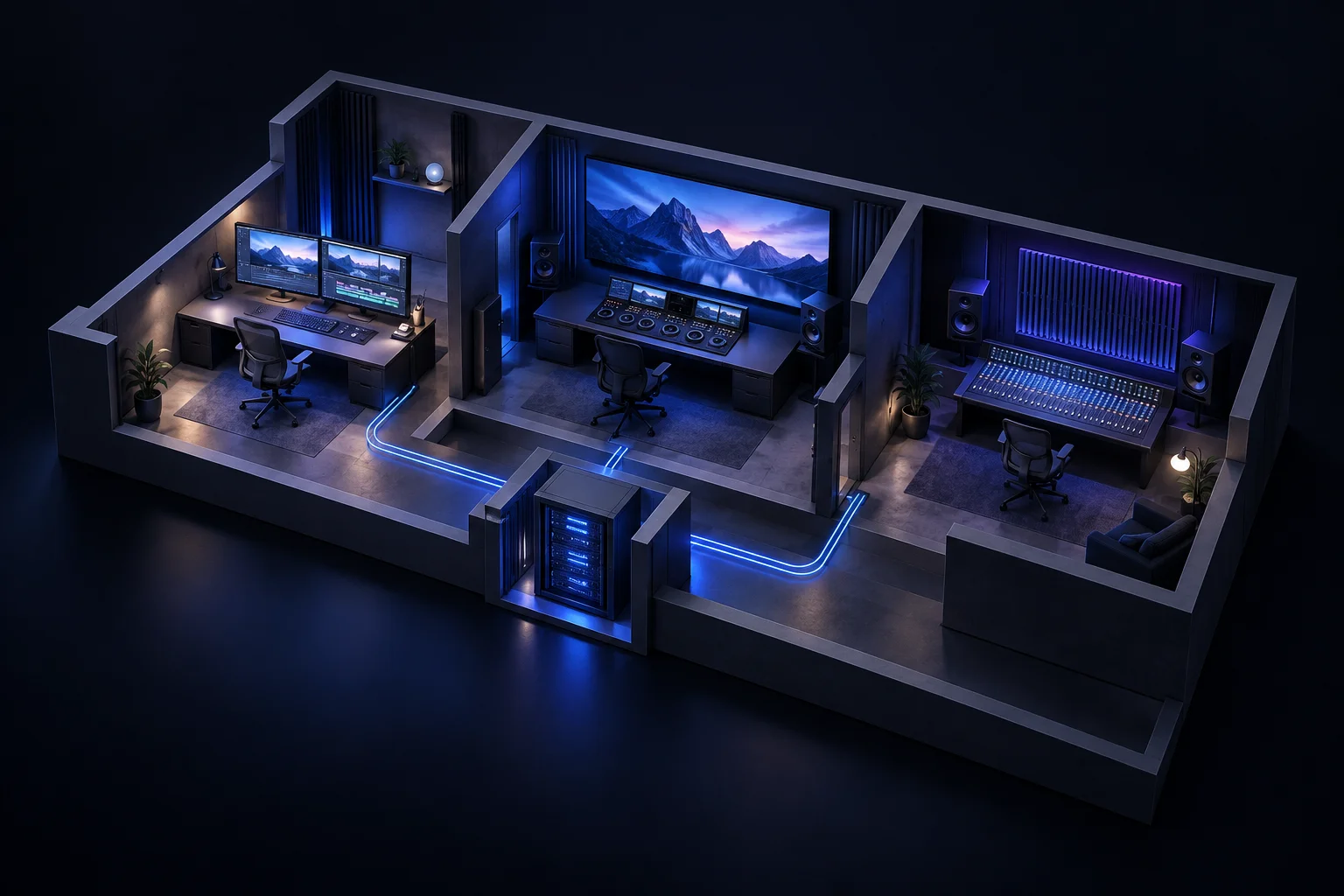
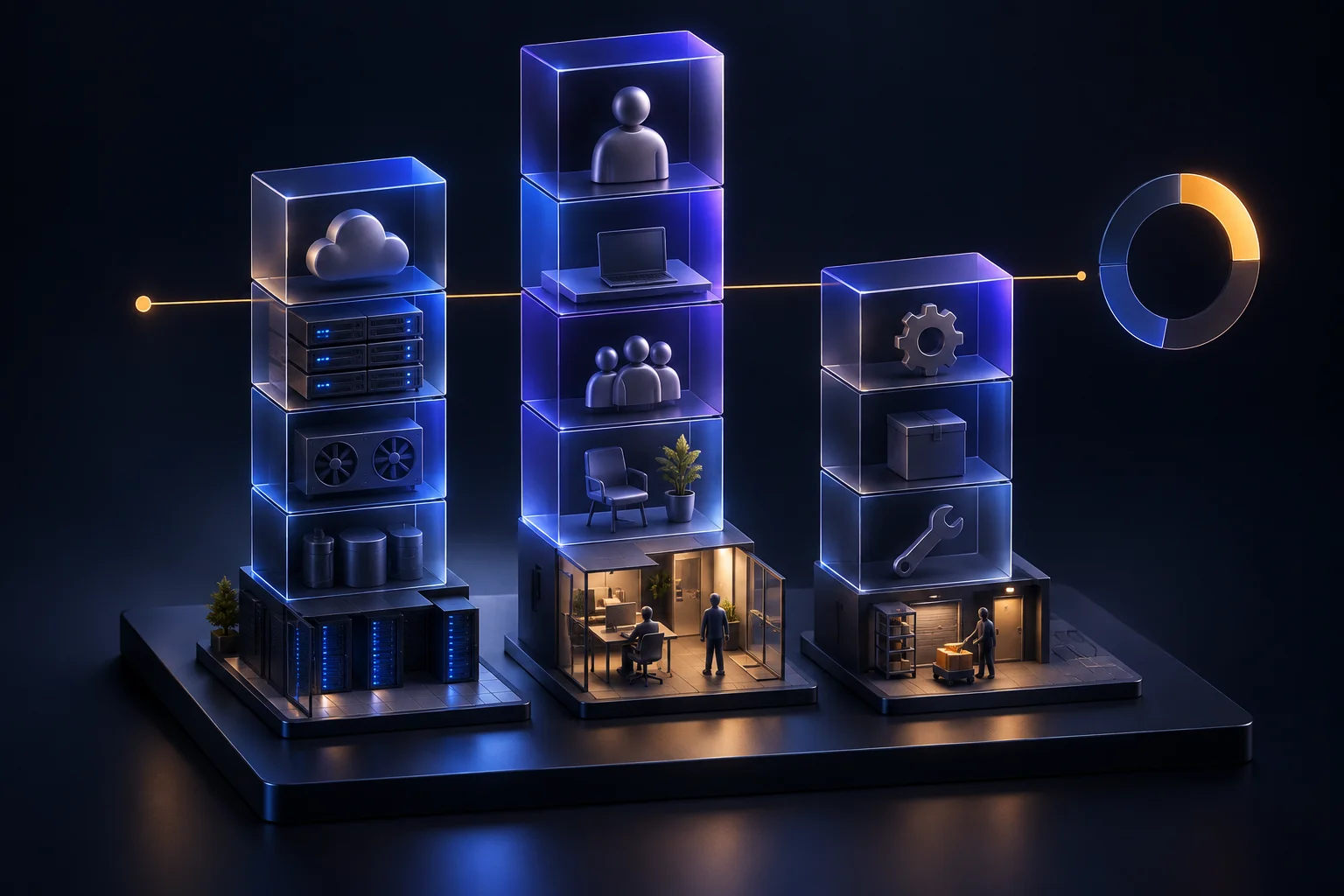
A calendar needs resources to be achievable. Post Facility organizes the infrastructure behind the operation: rooms, workstations and post-production resources. Represent the spaces you actually have and distinguish the work they support. This turns “we need to finish this stage” into “we need to deliver it with these resources.” Consider this alongside the calendar: two tasks can be well planned individually yet compete for the same room or resource when they overlap. This is not about entering an inventory for its own sake. It gives working capacity a real context.
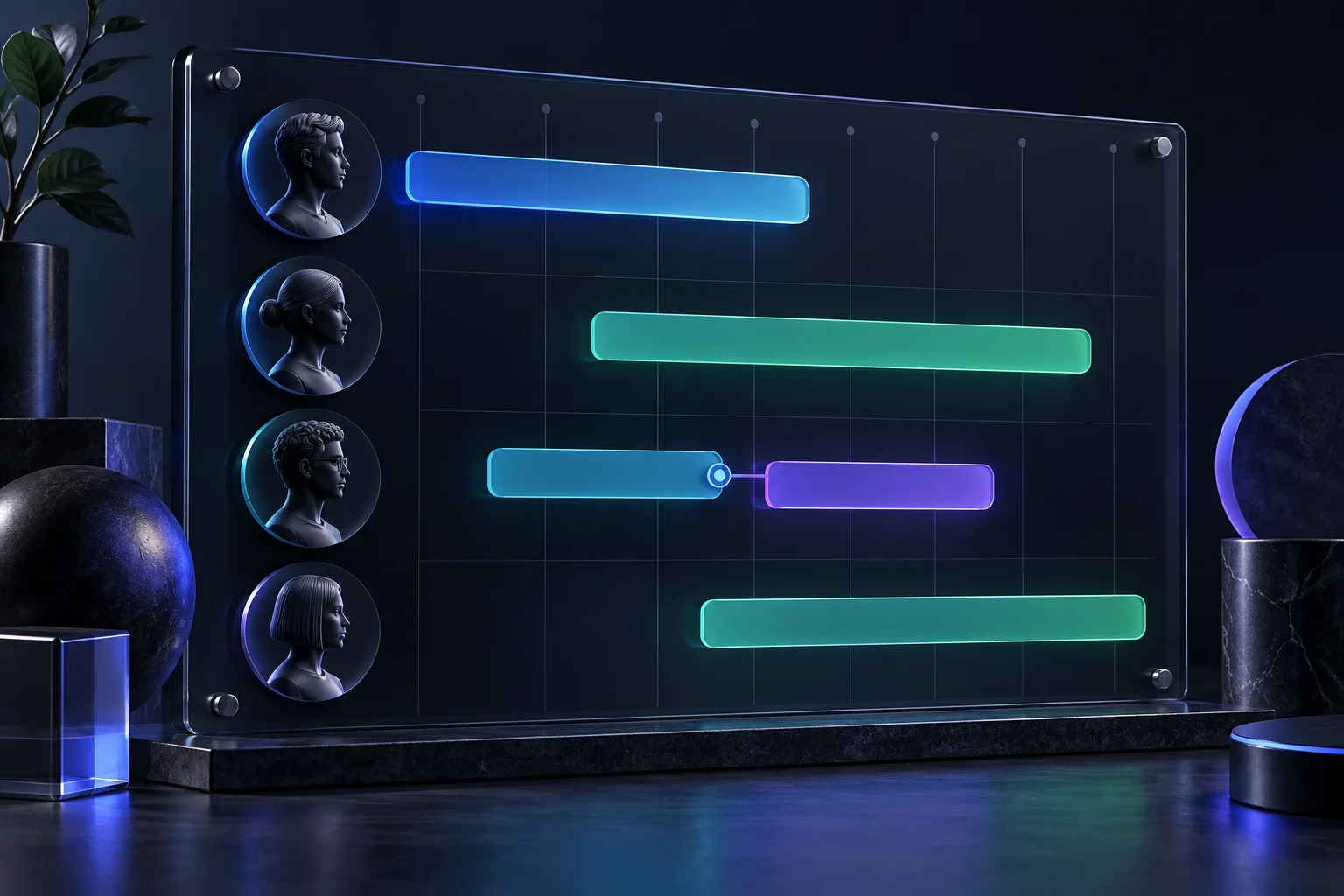
In Team, organize roles, people and their periods of participation. The calendar establishes when work happens; the team determines who can sustain it. Review start dates, assignment lengths and necessary handovers. Someone may participate in a specific stage without being assigned to the entire production. Then work on costs in Finance. Review the assumptions used for staffing, infrastructure and services, together with the currency and conditions applicable to the project. A duration change can affect both team availability and the budget. Review planning, people and costs together instead of treating them as independent documents.
Editorial organizes work in Editorial Desk: notes, owners, coordination, handovers and notifications, with a focus on post-picture-lock follow-up. This collaborative space keeps observations from becoming isolated conversations. It helps people recognize what needs attention, who is following it and what the next person needs to know. Editorial is not another view of the VFX tracker. Although both belong to the same production, they serve different needs: Editorial coordinates editorial follow-up; VFX manages effects work by shot.
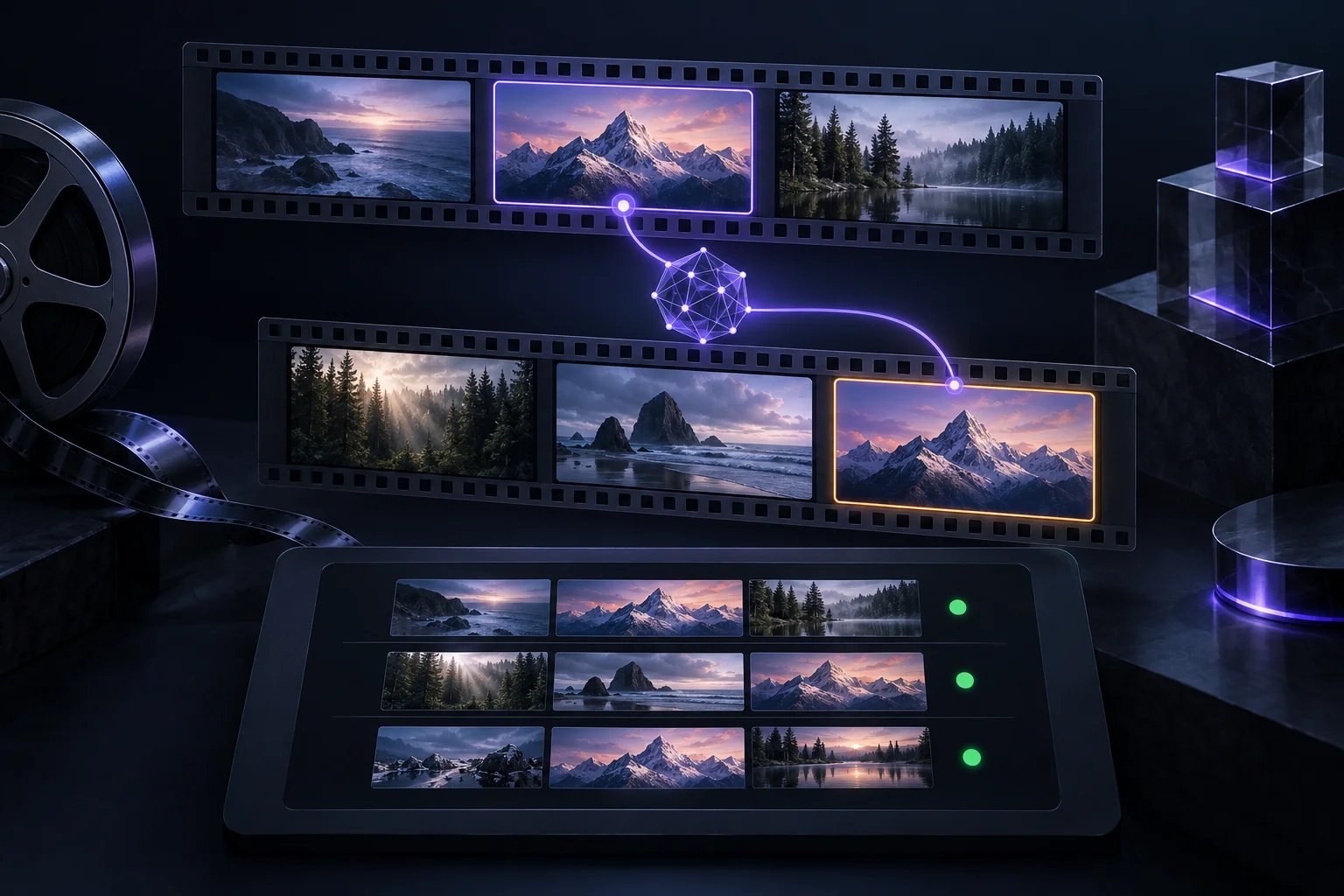
VFX has its own learning path. This introduction only explains its logic: learning all its tools calls for a dedicated guide. RushTrack can build the tracker from Frame.io material and organize shots with references, thumbnails, ranges, notes, owners and statuses. A central capability is comparing versions using a content fingerprint. This helps compare shots beyond their temporal position: when an edit changes and a shot moves, timecode does not have to be the only reference connecting it to the previous version. The aim is to prepare an updated tracker while preserving the work's context. When incorporating a new cut, review the comparison results: what continues, what changed, what was added and what fell out of the cut. This review remains important; comparison does not replace team validation.
The final stages also need their own follow-up. In Sound, organize ADR needs and their progress: what needs attention and how work is prepared for the relevant sessions and deliveries. In Color, follow conform, sessions, reviews and masters, alongside the technical information needed for that stage. In Delivery, organize deliveries and their review cycle: requirements, materials, QC feedback, corrections and redeliveries through acceptance. These modules distinguish “the material is prepared,” “it was sent” and “the delivery was accepted.” Those are different moments in the operation.
Once the structure is clear, share the modules each person needs and choose read or edit permissions according to their responsibilities. Collaboration supports this journey: one person may consult the calendar, another work in Editorial Desk, and a vendor participate in VFX without needing Finance access. To begin, focus on a simple sequence: project, calendar, resources, team and costs. Then add the tracking modules your production needs. RushTrack is easier to understand when you follow the actual work.
How to register detections, prepare references, and turn ADR needs into coordinated sessions.
02 · VFX guideA general tracker guide covering shot creation and insertion, timecode, Frame.io, owners, statuses, and versions.
03 · Delivery guideHow to follow deliverables from the planned milestone through quality control and final acceptance.
Discover RushTrack and connect schedules, people, resources, costs, and deliveries.